📋 Copy the URL
Open any public video, live stream, Short or premiere and copy
its link from your browser's address bar. Both
youtu.be and full
youtube.com/watch?v= links work.
⭐ Like this tool? Bookmark it with Ctrl + D (Windows/Linux) or ⌘ + D (Mac) for instant access next time.
Paste a YouTube link — a video, a Short, a live stream — and watch the count move as it happens, refreshed every 2–3 seconds straight from YouTube's own API. No sign-up, no extension, nothing to install.
This is a small utility that reads a video's view count straight from YouTube's own API and refreshes it automatically every couple of seconds, so you're not sitting there hitting reload. That's the whole idea — nothing to configure, nothing to install.
Here's the part most people don't realise: the counter you see on a YouTube video page isn't always live. YouTube intentionally holds it steady at certain points — most noticeably around big round numbers — while it filters out bot traffic and fake views. During a big moment (a viral clip, a major premiere, a breaking news stream) that public number can sit frozen for anywhere from a few minutes to several hours, even while the real count is still climbing behind the scenes.
We connect to the YouTube Data API v3 — the same data source YouTube Studio's own analytics run on — so what you see here usually reflects what YouTube's systems already know, even before the public page catches up.
If you're also keeping an eye on a channel's growth, our YouTube Subscriber Counter works the same way, just for subscriber counts instead of views.
🔴 View count vs. viewer count — they're not the same thing
View count is the running total of how many times a video has ever been watched. Viewer count (or "concurrent viewers") is how many people are watching a live stream at this exact second. This tool shows whichever one fits the link you paste — total views for uploads, concurrent viewers for anything currently live.

Every 2–3 seconds, no manual reload.
Same API that powers Studio analytics.
Live streams, Shorts, uploads, premieres.
Phone, tablet or desktop.
YouTube doesn't just add one to the counter every time someone hits play — that would make it trivial to fake. Instead, a view goes through a few stages before it's shown to the public with full confidence:
| Stage | What's happening | What you'll notice |
|---|---|---|
| Provisional count | The view is registered right away, before any deeper checks run. | The number moves fast in the first few minutes after upload. |
| Spam & bot filtering | YouTube's systems check the view against fraud and manipulation signals. | The count can briefly dip if some views get thrown out. |
| The "freeze" | At certain checkpoints (round numbers especially) the public counter is deliberately held steady while an audit runs. | The number on YouTube's page appears stuck, sometimes for hours. |
| Confirmed count | Once validated, the public number catches up to what the API already reflects. | The counter jumps forward all at once. |
That gap between "what YouTube's systems already know" and "what the public page shows" is exactly the reason a direct API read is more current than the number displayed on the video page itself.
Takes under 30 seconds, no setup required.
Open any public video, live stream, Short or premiere and copy
its link from your browser's address bar. Both
youtu.be and full
youtube.com/watch?v= links work.
Drop the link into the search box at the top of this page. Nothing to install, no account to create.
The count appears immediately and keeps updating on its own every 2–3 seconds — just leave the tab open.
A number means more when you have something to compare it to. Here's roughly what to expect across different situations:
| Situation | Typical count | What it tells you |
|---|---|---|
| New channel, first 48 hours | Low hundreds | Completely normal. Early growth usually comes from search and shares, not a sudden spike. |
| Growing channel, first week | Low thousands to tens of thousands | A sign the recommendation algorithm has started pushing the video to new viewers. |
| Viral video, first 24 hours | 100K or more | This is exactly when YouTube's public counter tends to lag the most. |
| Live stream (concurrent viewers) | Roughly 100–10,000+, more for major events | This is "viewer count," not "view count" — it resets once the stream ends. |
| A viral Short | Can jump from zero to millions within days | Shorts get distributed very differently than long-form video. |
| All-time top videos | Multiple billions | A handful of music and kids' videos have crossed 10 billion+ views over the years. |
There's no shortage of "live view counter" sites out there — most read the same public YouTube number, just at different speeds and with different amounts of clutter around it. Here's honestly where this one fits:
| Feature | RunCodeDev checker | Typical view-counter sites |
|---|---|---|
| Refresh speed | ✅ Every 2–3 seconds | ⚠️ Usually 3–10 seconds, some slower |
| Data source | ✅ Official YouTube Data API v3 | ⚠️ Varies — API, scraping, or a mix |
| Works on Shorts & live streams | ✅ Yes | ⚠️ Not always — some tools cover uploads only |
| Requires an account | ✅ No | ✅ Usually no |
| Trending videos by country | ✅ 11 countries, one click | ⚠️ Rare on most competing tools |
| Cost | ✅ Free, no daily limit | ✅ Usually free |
Every legitimate counter is reading the same public number YouTube publishes — none of these tools can show you a figure YouTube hasn't verified yet. The differences that actually matter are refresh speed, how many video types are supported, and how much is bolted onto the page around the number itself.
Useful if you're streaming and want a live headcount without switching over to Studio.
Watch the count move from zero in the critical first hours after publishing. Pair it with our Thumbnail Downloader if you're also studying what's driving clicks.
Shorts are handled the same as any other public video — no separate mode needed.
We don't store the URLs you search or tie them to you. All traffic runs over HTTPS.
Not sure what to check? Browse what's trending in 11 countries above and click straight into its live count.
Check as many videos as you want. No quota, no paywall.
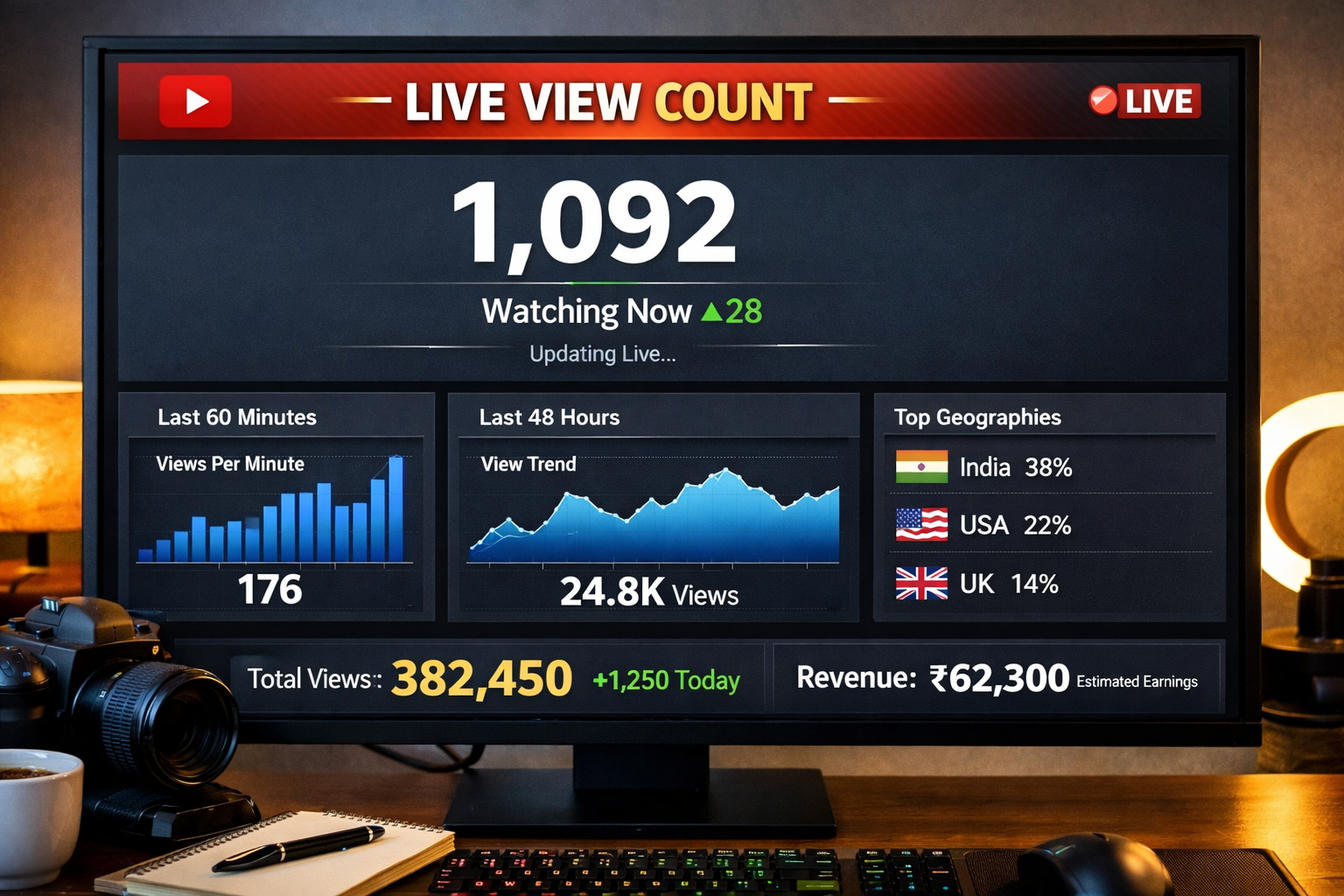
Different people check view counts for different reasons — some are watching their own upload, some are researching a niche, some just want to see a milestone hit in real time. Here's where it tends to come in handy:
Watching the first few hours after upload tells you a lot about how a video's performing before the analytics dashboard catches up. If you want to line up your tags and keywords too, our Tags Extractor and Keywords Generator are built for that.
Keeping an eye on concurrent viewers without leaving your stream tab helps you time giveaways, shoutouts, or a push to subscribe while people are actually watching.
A real-time number is handy when you're reporting live during a launch instead of waiting for the next analytics refresh. Our Hashtags Generator pairs well here if you're also planning distribution.
Running something on YouTube Live? Watching concurrent viewers gives you a rough sense of the room filling up, the same way you'd glance at seats at an in-person event.
If you're covering something that's blowing up on YouTube, a direct API read gives you a number you can cite with a timestamp, rather than a screen-scraped guess.
If a favourite video is closing in on a big round number, this is a straightforward way to watch it happen. Want to keep a copy of the video too? Our Video Downloader can save it for offline viewing.
Some quick definitions, since these get used loosely elsewhere.
The total number of times a video has ever been watched, cumulative since upload.
How many people are watching a live stream at this exact moment — resets to zero once the stream ends.
YouTube's process for confirming a view came from a real person, not a bot or an accidental reload.
YouTube's official interface for reading public video and channel statistics — what this tool queries directly.
A pre-recorded video that YouTube debuts like a live event, with a countdown and chat before playback starts.
YouTube's short-form vertical video format, distributed through its own feed separate from regular uploads.
Prefer watching over reading? Here's the tool in action.
Data comes from the YouTube Data API v3, not a guess or a screen-scrape.
A new read every 2–3 seconds, as often as the API reasonably allows.
No accounts, no saved search history, no data sold on.
Check as many videos as you like. If you want the story behind this site, here's a bit about RunCodeDev.
This checker is one of several free YouTube utilities on the site. A few that pair well with it:
Paste any YouTube link at the top of this page — free, no login, updates on its own.
Check a View Count