What you're actually looking at
Dummy JSON API is one hosted endpoint — /api/dummy — that answers with realistic JSON
and accepts the same four HTTP methods a production API would: GET, POST,
PUT, and DELETE. There's no dashboard to configure and no schema to
register ahead of time. You send a request, you get JSON back, and you carry on building whatever
you actually opened your editor to build.
The example payload on this page uses animal-style records — name, species, age, habitat, diet, and conservation status — but that's just the demo data. The endpoint is intentionally schema-flexible, so you can send whatever JSON shape your app actually needs to practice against.
No setup
No signup, no API key, no Docker container to keep running while you work.
Full CRUD
All four core HTTP methods are wired up, so you can practice more than just read-only calls.
Plain JSON
Works with anything that speaks HTTP — fetch, axios, curl, Postman, or a language you're still learning.
Four steps, no setup screen
This is the whole workflow — there isn't a hidden fifth step where you configure something.
Base URL & authentication
https://dummy-json-api-sigma.vercel.app
No API key. No auth header.
Send the request, get JSON back.
Every method at a glance
One base path, four methods. Bookmark this table before you bookmark anything else on the page.
| Method | Path | What it does |
|---|---|---|
| GET | /api/dummy | Return the current list of mock records |
| POST | /api/dummy | Add a new record with your own JSON body |
| PUT | /api/dummy/:id | Replace an existing record by its id |
| DELETE | /api/dummy/:id | Remove a record by its id |
Run each request from this page
These buttons fire real requests at the live API. Open your browser console if you want to watch it happen there too.
Get all records
/api/dummy
const response = await fetch("https://dummy-json-api-sigma.vercel.app/api/dummy");
if (!response.ok) {
  throw new Error(`HTTP error! Status: ${response.status}`);
}
const users = await response.json();
Add a record
/api/dummy
const response = await fetch("https://dummy-json-api-sigma.vercel.app/api/dummy", {
  method: "POST",
  headers: { "Content-Type": "application/json" },
  body: JSON.stringify({
    name: "Max",
    species: "Bald Eagle",
    age: 6,
    habitat: "Forests & Mountains",
    diet: "Carnivore",
    conservationStatus: "Least Concern"
  })
});
const data = await response.json();
Update a record
/api/dummy/:id — the sample below uses id 1
const id = 1; // swap in any id returned by GET
const response = await fetch(`https://dummy-json-api-sigma.vercel.app/api/dummy/${id}`, {
  method: "PUT",
  headers: { "Content-Type": "application/json" },
  body: JSON.stringify({
    name: "Max",
    species: "Bald Eagle",
    age: 7,
    habitat: "Forests & Mountains",
    diet: "Carnivore",
    conservationStatus: "Least Concern"
  })
});
const data = await response.json();
Remove a record
/api/dummy/:id — the sample below uses id 1
const id = 1; // swap in any id returned by GET
const response = await fetch(`https://dummy-json-api-sigma.vercel.app/api/dummy/${id}`, {
  method: "DELETE"
});
const data = await response.json();
Wrap real usage in try/catch and use async/await — the same as you would against any production API.
What's inside the demo record
Here's what each field in the example payload represents, in case you're mapping it to your own UI.
| Field | Type | Example | Notes |
|---|---|---|---|
name | string | "Max" | Display name of the record |
species | string | "Bald Eagle" | Free-text category label |
age | number | 6 | Whole number, no units attached |
habitat | string | "Forests & Mountains" | Free-text description |
diet | string | "Carnivore" | Free-text description |
conservationStatus | string | "Least Concern" | Free-text status label |
Where this actually gets used
Frontend work, backend not ready yet
Your product list, form, or dashboard needs real requests to feel real. Wire the UI to this endpoint first, then swap the base URL once your actual API exists. You can rough out the markup and styling in our HTML, CSS & JS playground while you're at it.
Learning HTTP and REST
Status codes, methods, headers, and response bodies make a lot more sense once you've actually sent a request and watched what comes back, instead of just reading about it.
QA and test-automation practice
Point a test script at a target that won't complain, break, or need seeding before every run. Handy for practicing assertions before you aim them at something that matters.
Teaching and workshops
No signup step means no one gets stuck creating an account fifteen minutes into a lesson. Everyone hits the same URL and sees the same shape of data.
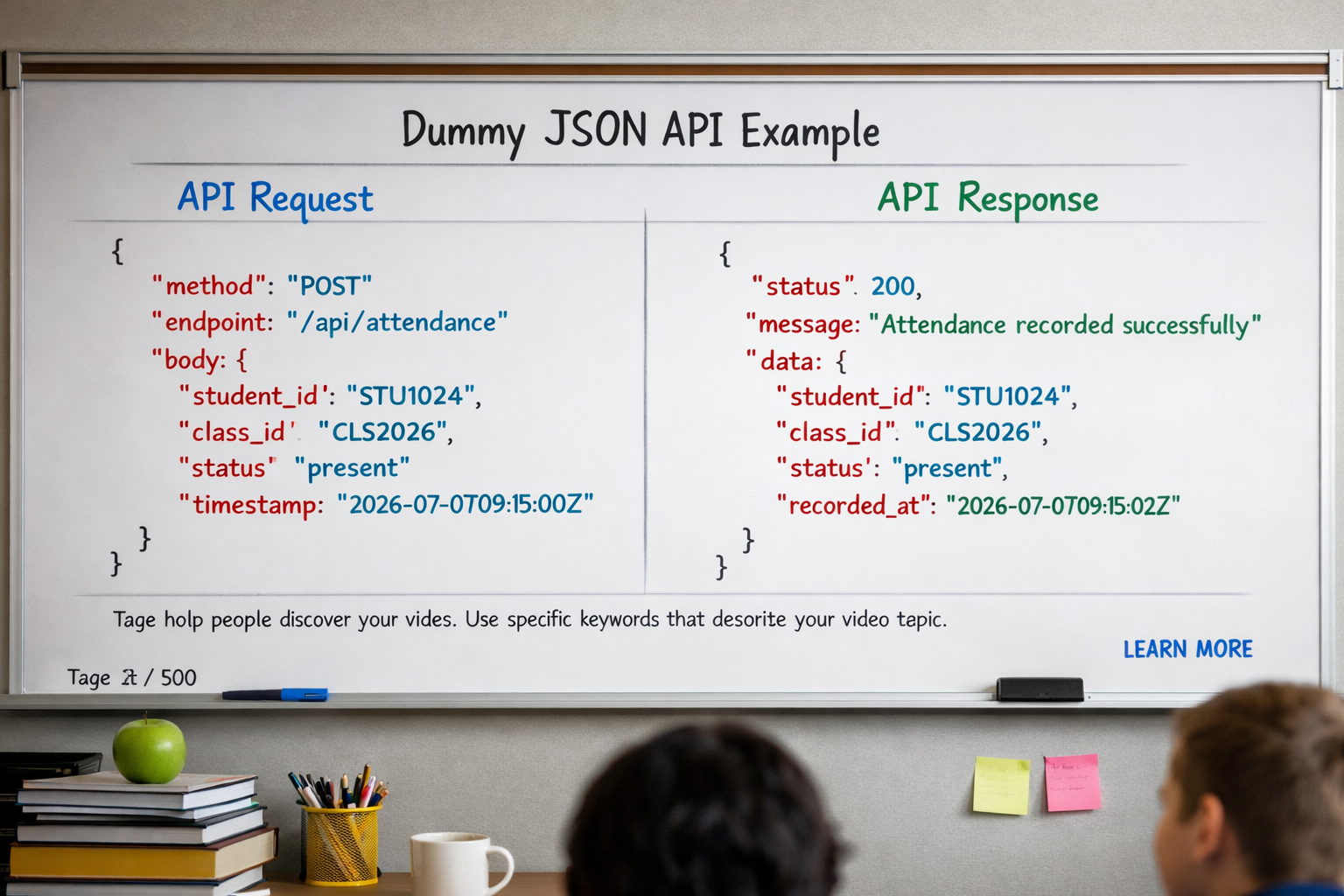
How this stacks up against the other options
There's no single best mock API — it depends on whether you want fixed resources or a blank slate.
| Tool | Setup | Data shape | Best for |
|---|---|---|---|
| Dummy JSON API | None | One flexible endpoint, any JSON shape | Quick CRUD practice without deciding on a schema first |
| JSONPlaceholder | None | Fixed resources — posts, comments, albums, users | Practicing against realistic, blog-style content |
| Reqres | None | Fixed user records | Login and user-management UI mockups |
| Mockaroo | Define a schema first | Custom, generated at scale | Bulk sample data or CSV exports for a specific structure |
Questions people actually ask
It's a single hosted endpoint, /api/dummy, that responds with realistic JSON and accepts GET, POST, PUT, and DELETE requests. It exists so you can build and test against something that behaves like a real backend without actually running one.
No. There's no signup, no API key, and no authentication header to set. Point a request at the base URL and it responds.
Yes. It's built for learning, prototyping, and testing, and there's no paid tier to unlock.
Treat the dataset as shared and temporary. It's meant for practicing request and response shapes, not for storing anything you actually need to keep.
Yes. The demo payload uses animal-style fields just as an example — the endpoint isn't locked to that schema.
JSONPlaceholder gives you several fixed resources like posts and users. Dummy JSON API gives you one flexible endpoint instead, which is simpler when you just need somewhere to send arbitrary CRUD requests.
More free tools on RunCodeDev
If this page got you mid-project, these are the other tools people usually reach for next.
Send REST, SOAP, and GraphQL requests and inspect the response without leaving the browser.
Build the UI that consumes this API's JSON, with a live preview as you type.
Clean up or shrink your HTML, CSS, and JavaScript before you ship it.
Type your fetch calls and response models before wiring them to a real backend.
Practice scripting curl requests against this API straight from the browser.
Need placeholder credentials for a login mockup? Generate them here.